Slideshows and montages
 |
(Enlarge) |
Montage is Studio 12's tool for quickly putting together professional looking slideshows and montages. With it, you can display albums of photos or create multi-picture video walls.
It's also a great way to give a "house style" to your video productions - providing themed transitions and opening and closing graphics to give your show an overall look.
How to use it
Just click on the montage icon (3rd icon down on the left of your album window), and choose a montage theme from the dropdown list above the window. Each theme is made up of a number of animations which can be used separately or together in your productions. Simply drag an animation to the timeline and a window appears allowing you to customise the colour and text and add pictures or videos to the animation.
For example, the "album" theme consists of four animations which together allow you to produce an animated photo album.
 |
(Enlarge) |
The first shows the photo album opening and allows you to drag in photos four photos for the first page. Just alter the text and drag the photos into the drop zones displayed and hit play to see the results.
The second and third animations create middle pages (and you can keep adding as many copies of these as you like, adding different photos for each page).
The final animation shows the album closing and allows you to add a closing message.
Video Walls
 |
(Enlarge) |
You can add video as well as still images, and the "Video Wall" and "multilayer mix" themes give various options for having up to four video clips playing simultaneously on screen in different configurations.
Program themes
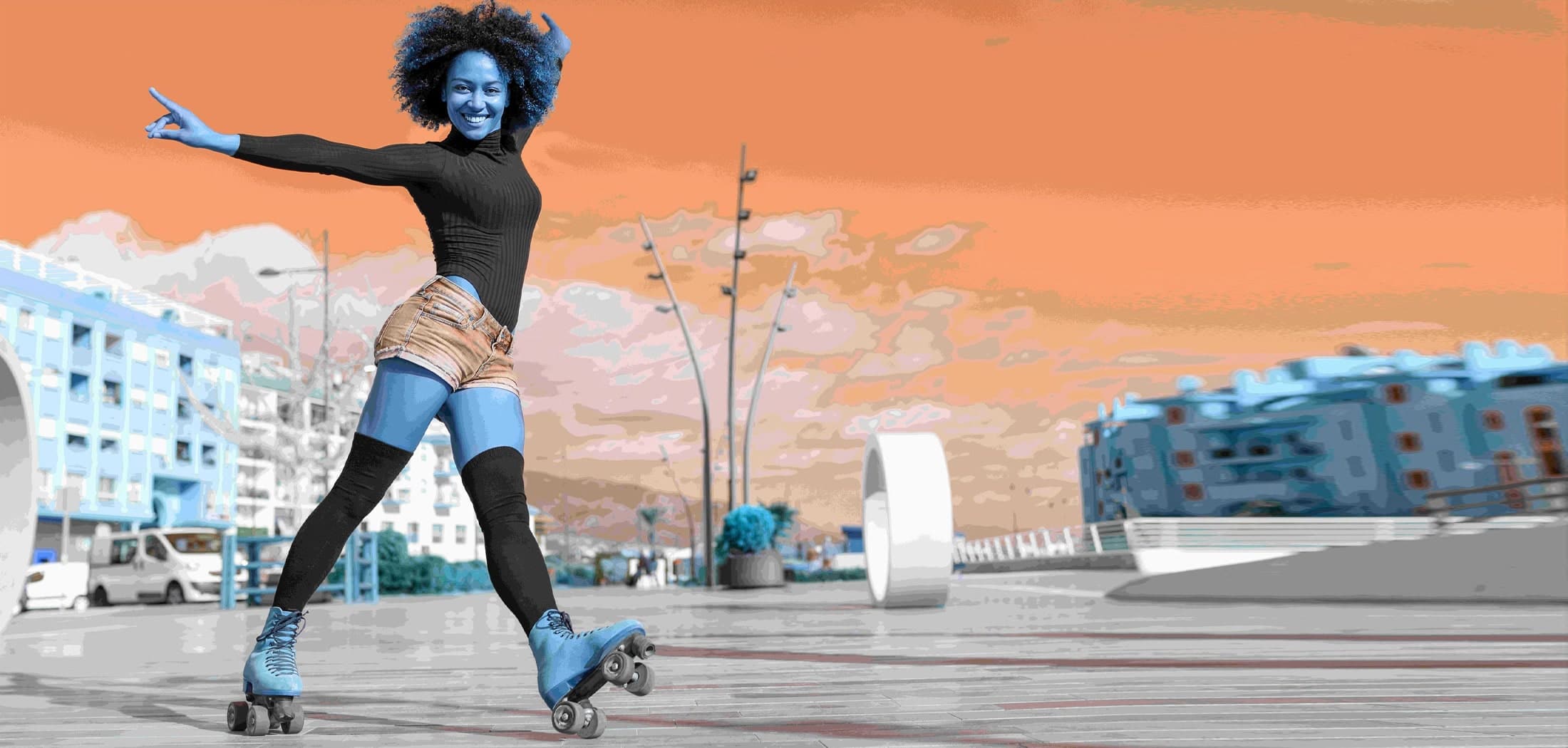
Other themes are more aimed at giving a unified look to your video programmes. The "Sports" theme for example offers impressive opening and closing titles for a sports programme, a selection of graphical transitions which you can place between scenes, and a handy caption animation for overlaying on-screen text information.
Adding themes
There are a range of themes already included in Studio 12, but plenty more are available as add-ons. Just select "more themes" from the dropdown list and you'll be able to browse all the new themes ready to download.